
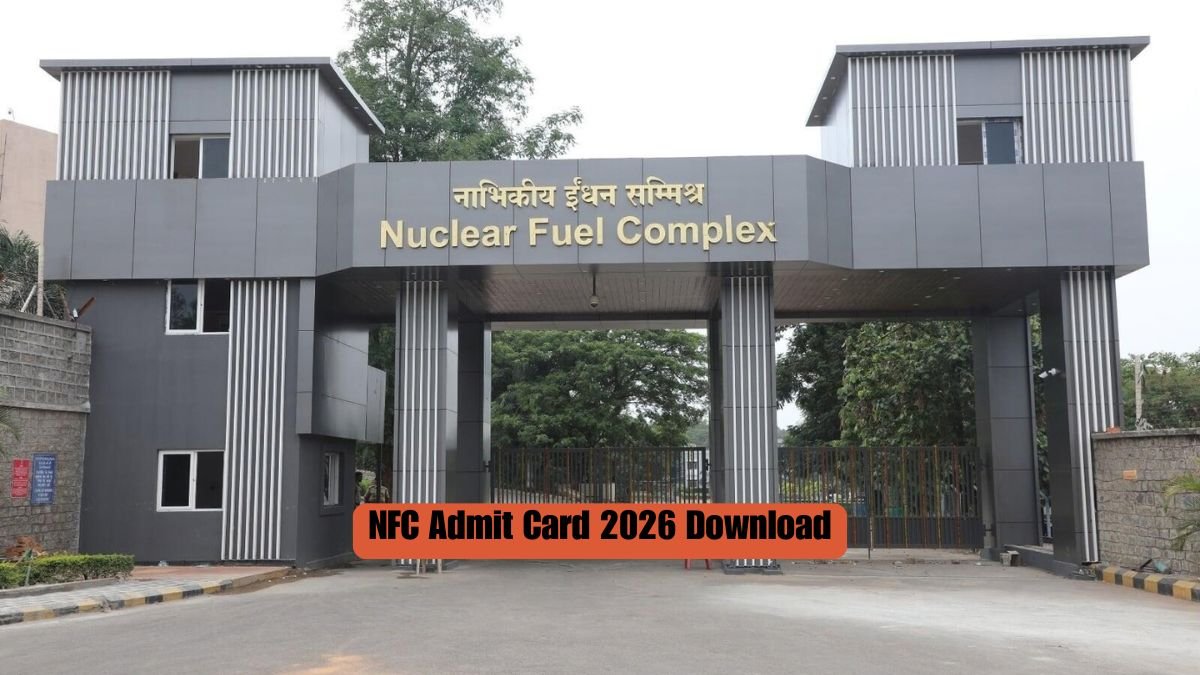
The Nuclear Fuel Complex (NFC), under the Department of Atomic Energy, has released the admit card for the Screening Test, Stage 1 Preliminary Test and Stage 2 Advanced Test for various posts advertised under Advt. No. NFC/01/2026. As per Notice No. NFC/PAR-I/03/57/2026/1394 dated 23 September 2026, the NFC Admit Card 2026 download link has been live on the NFC website since 20 September 2026.
This notice follows an earlier shortlisting notice dated 10 September 2026. Candidates can download the admit card by entering their registered email address and a one-time password (OTP) on the admit card portal. The release is not region-wise. Candidates should check all details in the article below.
Information verified from the official Nuclear Fuel Complex notice No. NFC/PAR-I/03/57/2026/1394 dated 23 September 2026.
Last verified: 23 September 2026.
The Nuclear Fuel Complex released the admit card for the Screening Test, Stage 1 Preliminary Test and Stage 2 Advanced Test on 20 September 2026 at recruit.nfc.gov.in. This covers various posts advertised under Advt. No. NFC/01/2026. Candidates can download it by entering their registered email address and an OTP on the admit card portal.
Quick summary of NFC Admit Card 2026
| Field | Detail |
|---|---|
| Organisation | Nuclear Fuel Complex (NFC), Department of Atomic Energy |
| Exam Name | Screening Test / Stage 1 Preliminary Test / Stage 2 Advanced Test |
| Notice / Advt No. | NFC/01/2026 (Notice No. NFC/PAR-I/03/57/2026/1394) |
| Admit Card Release Date | 20 September 2026 |
| Official Website | recruit.nfc.gov.in |
Also Read: WBPSC Miscellaneous Admit Card 2026
How to download the NFC Admit Card 2026
- Go to the NFC admit card portal.
- Click the “Click Here” link shown on the page.
- Enter the registered email address used in the job application.
- Enter the OTP sent to that email address.
- Check the verification box.
- Click the Search button.
- The system verifies the OTP and shows the candidate’s application and admit card details.
- Click “Download Admit Card” to get the file. It downloads as a PDF of four pages.
Candidates should print the admit card and affix a recent passport-size photograph on it before carrying it to the examination centre. The notice also tells candidates to read the instructions printed on the admit card carefully.
Candidates who cannot download their admit card can email helpdesk-rect@nfc.gov.in with their Name, Post applied for, Application Number, Date of Birth and registered email ID. The notice asks candidates to make sure these details are correct and complete, so NFC can help them.
Also Read: OSSTET Admit Card 2026
Details to check on your NFC Admit Card 2026
This is added context, not part of the official notice. Confirm with the official website.
Once the admit card downloads, candidates should check the name, photograph, post applied for, application number and registered email address for errors. The notice does not give a separate correction process for mistakes on the downloaded admit card. It gives contact details only for candidates who are unable to download the admit card in the first place.
Documents to carry
- Printed admit card, with a recent passport-size photograph affixed
- Photo ID: not mentioned in the official notice
Important links
| Link | Details |
|---|---|
| NFC admit card portal | Login with registered email and OTP |
| Official notice PDF | Notice No. NFC/PAR-I/03/57/2026/1394, dated 23 September 2026 |
| Admit Card category | More admit card releases |
| Latest Jobs (All India) | Pan-India job updates |
| Syllabus | Exam preparation material |
| Previous Question Papers | Practice papers for the screening and stage tests |
Also Read: NIT Durgapur Non-Teaching Admit Card 2026
FAQs
How can candidates download the NFC admit card 2026?
Candidates can download it from recruit.nfc.gov.in by entering their registered email address and the OTP sent to it. After the system verifies the OTP, it shows the admit card details, and candidates can download the PDF from there.
What should candidates do if they cannot download the NFC admit card?
They should email helpdesk-rect@nfc.gov.in with their Name, Post applied for, Application Number, Date of Birth and registered email ID. NFC uses these details to help the candidate download the card.
What details are needed in the email to the NFC helpdesk?
The notice asks for five details: Name, Post applied for, Application Number, Date of Birth and registered email ID. These details must be correct and complete, or NFC may not be able to help.
Does the NFC notice give the exam date and reporting time?
No. This notice does not mention the exam date, shift or reporting time. Candidates should check the downloaded admit card itself for these details, since the notice does not include them.

ABOUT THE AUTHOR
I am Sandeep Khati, the founder of India Job Alerts. I hold a B.Tech in Computer Science from JGEC (2010). My career began as a Systems Engineer at TCS, and I have been active in the digital publishing space since 2011, starting with the launch of SearchDarjeeling.com and my work as a web developer and designer at Darjeeling Informatics.
Launched in April 2025, India Job Alerts is my most focused project to date. I am dedicated to publishing verified government and PSU job notifications for candidates in West Bengal, Sikkim, and across India. To guarantee accuracy, I personally cross-check every post against official notifications before publishing. Know more